Blog
Guides, tutorials and ideas on AI photo and video editing.
How to Use an AI Image Generator for Social Media Assets
Building a consistent social media feed with AI image generators requires more than generation alone. Discover how to combine prompt engineering, strategic editing, and platform-specific resizing to produce on-brand assets at scale.
The Most Convincing AI Photo Background Change Tool
AI background change tools vary wildly in quality. This guide explains what separates a convincing swap from an obvious fake, then ranks nine tools from Photoshop to free apps by their strengths and real limitations.
Can AI Video Enhancement Fix Shaky Handheld Footage?
Shaky handheld footage can be improved with AI video enhancement, which fixes motion blur, noise, and softness, but camera movement requires stabilization. Discover what's genuinely recoverable and the best tools for the job.
How to Fix Pixelated Video Clips Automatically
Pixelated video clips can be automatically enhanced using AI upscalers that rebuild detail instead of stretching existing pixels. Understand the causes of pixelation—from compression artifacts to low resolution—and follow a practical workflow to restore usable footage without manual retouching.
How to Remove Noise from Old Footage with AI
Old footage contains multiple types of noise—film grain, tape chroma smearing, sensor grain, and compression artifacts. AI denoisers predict clean frames instead of averaging, preserving detail while removing degradation.
How to Automate Video Quality Upgrades with AI
Automate video quality upgrades by running footage through an AI enhancement pipeline that applies a repeatable recipe across your entire library. Define your baseline once, batch-process matching clips, and achieve consistent results in the time it used to take to fix a single clip.
Choosing the Best Software for Video Restoration
Video restoration software ranges from browser-based AI editors to professional color grading suites. The right choice depends on your specific damage type—resolution loss, noise, artifacts, or color decay—and whether you're fixing a handful of clips or a feature-length archive.
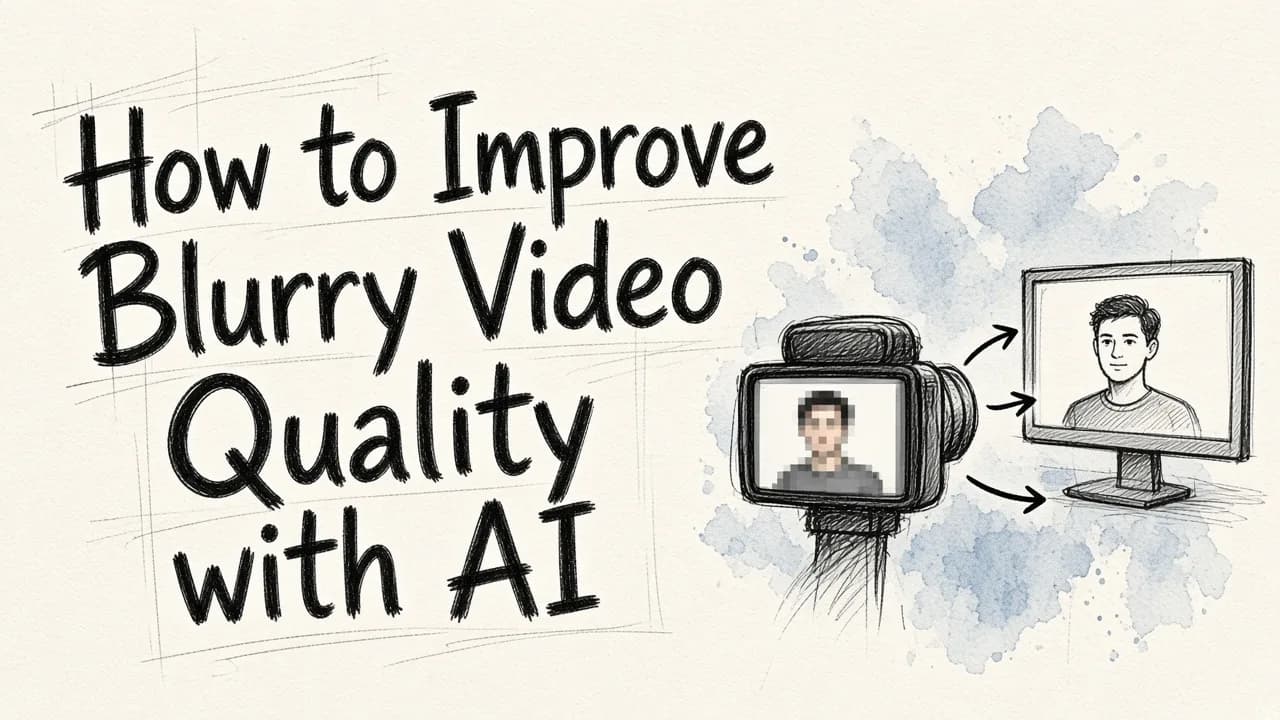
How to Improve Blurry Video Quality with AI
Blurry video can often be restored using AI upscaling, denoising, and selective sharpening—but the approach depends on what caused the blur in the first place. This guide walks through the fix order, tool options, and when enhancement is worth your time versus reshooting.

Is AI Photo Retouching Ready for High-End Fashion Portfolios?
AI photo retouching has matured enough to automate most technical work in fashion portfolios—skin finishing, object removal, and cloth dewrinkling—but brand-defining color grading and high-end dodge-and-burn sculpting still require a human hand.
The Best Cheap Professional Photo Restoration Tools
Professional photo restoration no longer requires expensive subscriptions or manual retouching skills. AI-powered editors now offer the most cost-effective solution for fixing faded, scratched, or damaged photos, with physical damage and color correction handled affordably by prompt-based tools.

Is AI Image Enhancement Worth It for Your Business?
AI image enhancement is worthwhile for businesses processing high volumes of images regularly, especially for ecommerce catalogs and social content. The key is calculating whether your team spends enough hours on repetitive image work to justify the investment.
How to Remove Unwanted Objects from Images Fast
AI-powered inpainting can remove unwanted objects from images in seconds rather than minutes. This guide covers generative inpainting versus traditional methods, a step-by-step workflow for publish-ready results, and tactics for processing large image catalogs efficiently.
The Best Software for Automated Skin Smoothing
Automated skin smoothing has moved beyond slider-based tools to text-driven AI editors that process batches while preserving natural texture. Discover how instruction-based automation, mask detection, and batch capability compare across retouching software options.
How to Fix Photo Blemishes Automatically
Modern AI retouching tools automatically detect and fix photo blemishes by generating replacement pixels that match the surrounding context, rather than cloning pixels by hand. This approach handles skin imperfections, dust, scratches, and sensor artifacts far better than traditional healing tools.
The Most Efficient Bulk Photo Editor for Instagram Marketing
Most bulk photo editors only sync sliders across images, leaving cluttered backgrounds and distracting objects untouched. EditorAI solves this by applying text-described edits across entire batches, turning inconsistent source photos into a consistent Instagram feed.
How to Edit Thousands of Images Quickly
Bulk image editing doesn't have to take weeks. By standardizing your source files, building reusable edit recipes, and using AI-powered tools like EditorAI, you can reduce a 2,000-image project from 80+ hours to one day of focused work.

The Best Batch Background Remover for E-Commerce
Batch background removal is more than just cutting out subjects—it's about consistency, standardization, and finishing the entire job in one pass. This guide compares the main options, reveals where automation still fails, and walks through a scalable workflow for e-commerce teams.

How to Resize Photos Fast Without Losing Quality
Resizing photos quickly depends on using the original file, locking aspect ratios, and exporting in the right format. Batch processing identical sizes saves the most time for businesses handling dozens of images.
How to Automate Professional Product Photos
Automate professional product photos by shooting once in a consistent setup and using AI to handle repetitive editing tasks like background removal, color correction, and resizing.
How to Choose the Right Batch Image Editing Software
Batch image editing software lets you apply the same edits to hundreds of images at once, but the right choice depends on which repetitive edits still require manual cleanup. This guide walks through evaluating tools by your actual workload rather than feature lists.